Foldable iPhone: Navigating the Challenges of Dual-Screen Productivity
Unlocking Productivity on a Foldable iPhone: A Deep Dive
The advent of the foldable iPhone presents a significant paradigm shift in mobile productivity. While the larger screen real estate offers exciting possibilities, it also introduces new challenges that users and developers must address to maximize its potential. This article explores the key areas where a foldable iPhone can enhance productivity and the strategies to overcome inherent limitations.
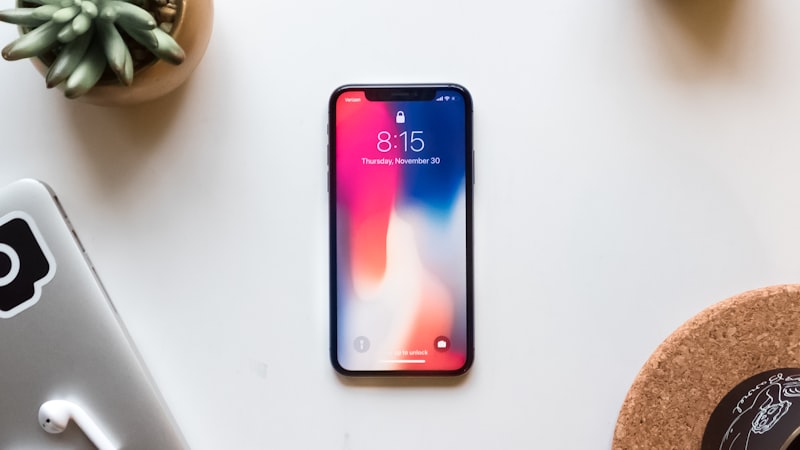
Leveraging the Expanded Canvas for Enhanced Multitasking
The primary advantage of a foldable iPhone is the increased screen size. This allows for improved multitasking capabilities, moving beyond the limitations of standard iPhone screen sizes. iOS's existing Split View and Slide Over features can be significantly enhanced, enabling users to work with multiple apps simultaneously without compromising usability.
However, effectively using this capability requires careful consideration. Dragging and dropping files between apps, a common desktop workflow, needs to be intuitive and efficient on the foldable device. Apple’s established ecosystem, known for its seamless integration, must extend to facilitating file sharing and data transfer between apps in a fluid manner. The user interface needs to be optimized to avoid clutter and ensure easy access to frequently used functions.
Keyboard and Input Considerations
Typing on a larger screen, especially when unfolded, can present ergonomic challenges. While the increased size allows for a more comfortable on-screen keyboard, some users may prefer physical keyboards. The foldable iPhone will likely benefit from a range of keyboard accessories, including compact Bluetooth keyboards and foldable keyboard cases that can be easily carried. Apple's Smart Keyboard Folio, as seen with the iPad Pro, could serve as a model for a foldable iPhone accessory.
Furthermore, stylus input becomes more compelling with a larger display. The Apple Pencil, already a popular tool for iPad users, could find a natural home on the foldable iPhone. This would enable users to take handwritten notes, annotate documents, and create digital art with greater precision. The software must intelligently handle palm rejection to prevent accidental input while using the stylus.
Managing App Windows and Workspaces
As users juggle multiple apps and tasks, effective window management becomes crucial. iOS needs to offer robust tools for organizing and switching between app windows. Features such as app grouping and workspace management, similar to those found in desktop operating systems, would significantly improve productivity. Users should be able to quickly switch between different sets of apps tailored to specific tasks, such as writing, editing, or communication.
The Role of Accessories
Accessories will play a critical role in unlocking the full potential of the foldable iPhone. Beyond keyboards and styluses, docks and stands designed to support the device in various orientations will be essential. External displays can further expand the workspace, allowing users to connect the foldable iPhone to a larger monitor for even greater productivity. The USB-C port, already present on iPhones, allows for simple connectivity to a wide range of existing accessories. As we explored in our analysis of display technology at iPhone View (https://iphoneview.com), the quality of external displays and their integration with iOS are key to a seamless workflow.
Addressing Software Optimization for Dual Screens
Software optimization is paramount for a positive user experience. Apps need to be designed or updated to take advantage of the foldable form factor, adapting their layouts and functionalities to both the folded and unfolded states. Apple's developer tools must provide the necessary resources and guidance for developers to create seamless and intuitive experiences. This includes automatic layout adjustments, support for drag-and-drop functionality across multiple app windows, and optimized performance for demanding tasks. Apple will need to provide robust APIs to ensure developers can create adaptive apps.
Conclusion
The foldable iPhone presents a unique opportunity to redefine mobile productivity. By addressing the challenges of dual-screen usability, optimizing software, and leveraging accessories, users can unlock new levels of efficiency and creativity. While the hardware is innovative, it is the software and ecosystem that will ultimately determine the success of the foldable iPhone as a productivity tool.
Questions readers ask
Where is Apple's supply chain on foldable dual screen productivity right now?
Reports out of Asia consistently cite a handful of suppliers competing on the relevant component, with Apple splitting orders rather than single-sourcing. That hedging pattern tends to mean a real product is being prepared, not just an R&D exploration.
Is foldable dual screen productivity realistic for the next iPhone, or further out?
Most signals point to a later cycle rather than imminent release. Component lead times for foldable dual screen productivity suggest Apple is still validating the supply side, and the company tends to wait until yields hit production targets before committing on stage.
What's the biggest tradeoff Apple has to swallow for foldable dual screen productivity?
Every Apple decision is a tradeoff, and the obvious one here is internal volume. Adding foldable dual screen productivity costs millimetres somewhere — usually battery capacity or camera module depth — and Apple has to decide which line item to trim.
What does foldable dual screen productivity actually cost — in price, weight, or battery?
Expect a premium of roughly $200–300 over the standard model, plus a small weight penalty. Battery life is the bigger variable — early prototypes typically trade an hour or two of screen-on time for the new capability, then claw it back over a generation.
In short — what's the takeaway on keyboard and input considerations?
It comes back to whether Apple can ship foldable dual screen productivity without compromising the parts of the iPhone people already pay for. The detail in this section is where that case is made or broken.